


Exploring Surface Pattern Design
- jayanthi chesetti
- Mar 23
- 3 min read

Usually, the way I make surface patterns is to scan or take a photo of my artwork, remove the background, and then build the pattern. This meant my patterns were raster-based, and while scaling them is simple enough, it created unnecessary extra work.
I had always been intimidated by SVG, but pattern + print revival workshop by @bonniechristine showed me a simpler approach — a method I hadn't known before — for making patterns. It was a nice introduction to surface pattern design, and it gave me the confidence to try surface patterns again.
She taught the workshop using Illustrator, but since it is subscription-based and I didn't want to pay for something I'd only use occasionally, I tried the same process using Affinity. The results are pretty much the same, though Illustrator does have a couple of advantages.
Moving motifs around is easier in Illustrator — particularly the edge ones — as the move tool lets you move or copy an object relative to the position of another object. Changing the color of the entire pattern at once is also more straightforward, making it easy to play around with different color schemes. Affinity lets you do both, but with a bit more effort.
So although Affinity is free and patterns can certainly be made with it, there are a few more workarounds involved compared to Illustrator.


Inspired by the workshop, I converted some of my paintings into patterns.
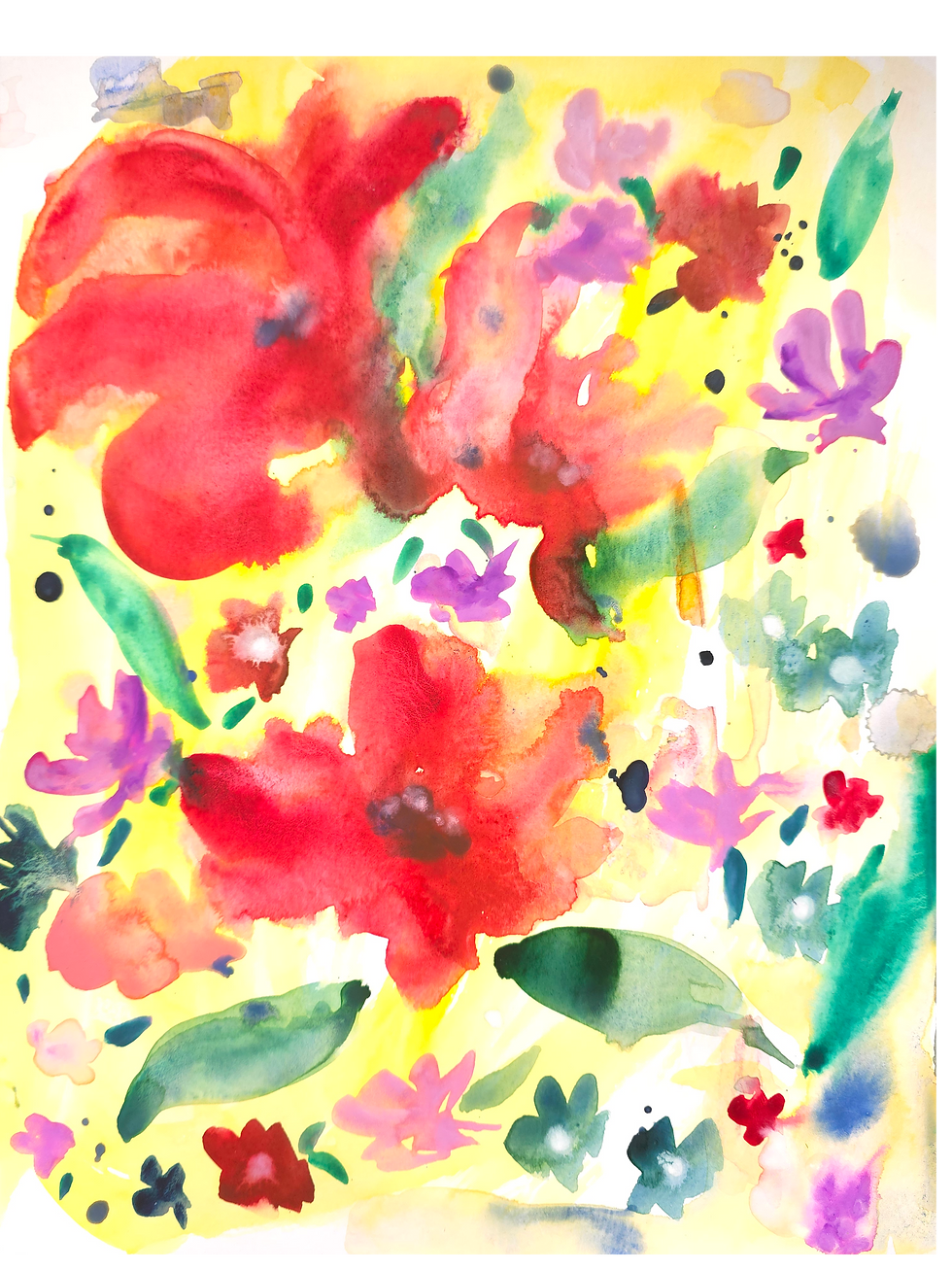
The first was a set of random flowers I had painted — I was just painting without much thought, but I felt they would make nice motifs. While they weren't great as raster images, they translated surprisingly well into vector. Separating the motifs was a little tricky, but not bad at all. I really loved how this pattern turned out.

The second one was a leaf pattern, initially inspired by an Instagram account @riyadesigns_, where she makes repeat patterns on paper by cutting and rearranging the pieces to achieve a repeat. I tried the same on a whim — no planning involved. The problem was that the paper was too big and thick, and since I used paints, the paper warped a little, making it difficult to join the edges seamlessly.

I initially planned to use the scanned piece as a repeat pattern on its own, but once I actually scanned it, I knew it wouldn't work — the edges didn't join seamlessly and the black leaves weren't very visible. I wanted them to pop, so I selected a few of the uncut leaves and painted them white before converting the artwork to SVG.
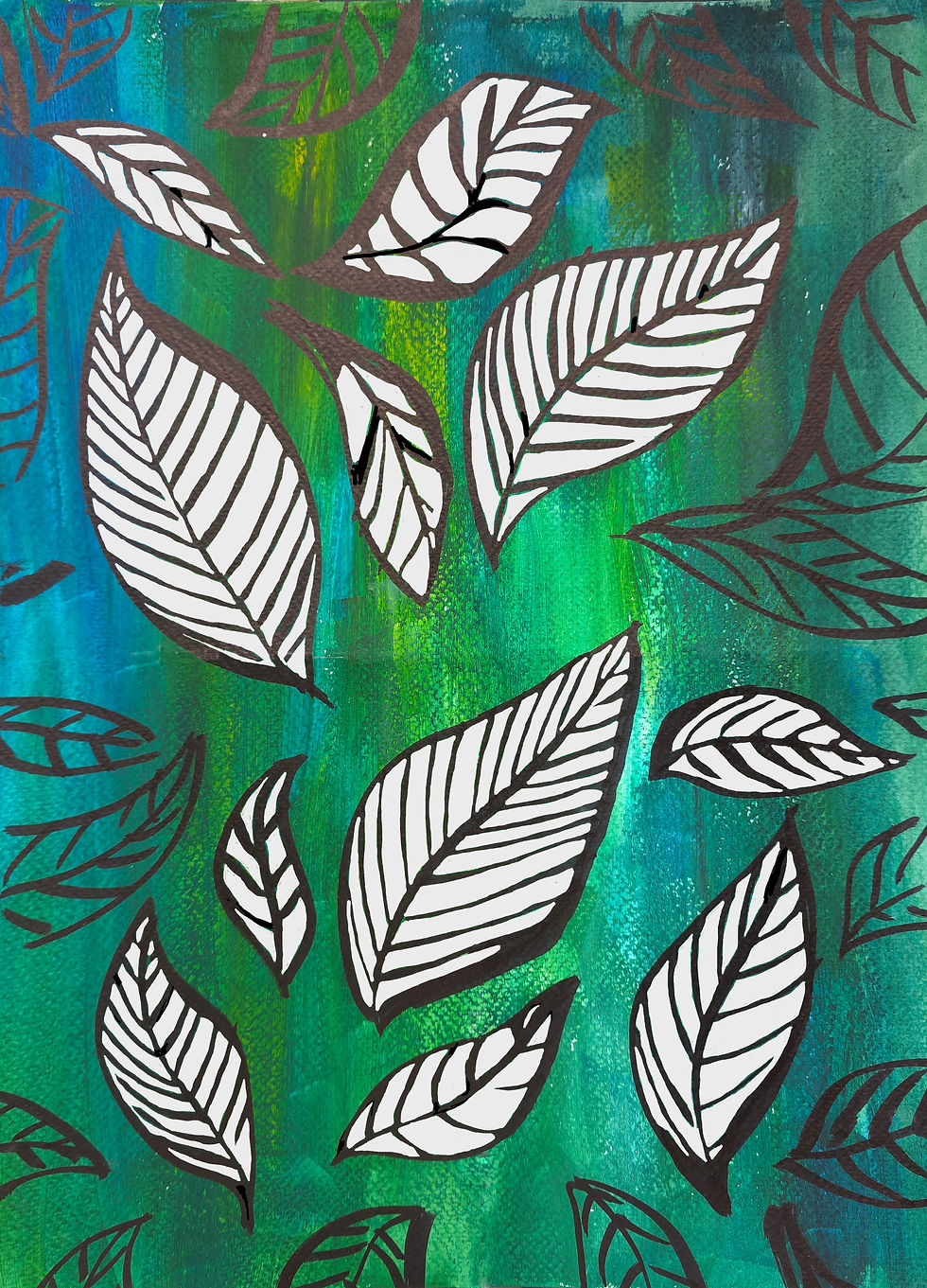
Up to this point things were fine, but since the whole piece was colored, extracting the leaves from the background was really difficult — and since the leaves themselves weren't grouped, parts of them would sometimes get pulled out separately. Just isolating the usable leaves took a significant amount of time. All that effort aside, here's the final result.

Overall it was a great learning experience — each pattern taught me something different, whether it was about the tools, the process, or just how to work with what I had. I definitely plan to make more patterns and I'll be sure to share them here!


Comments